
Download Total Commander Ultima Prime – Free, Secure File Manager for Windows with Advanced Tools & Plugins
Total Commander Ultima Prime is a powerful, free file management tool designed for Windows users who demand more than the default File Explorer. Built as a feature-rich plugin for the legendary Total Commander, this software enhances file navigation, system management, and productivity with a customizable suite of utilities. From advanced process monitoring to tabbed browsing, registry editing, and startup manager integration, Ultima Prime transforms your file management experience.
It’s ideal for power users, IT professionals, and anyone looking to streamline their workflow. The software is completely free, secure, and regularly updated to ensure compatibility with the latest Windows versions. With its modular design, you can choose only the features you need, avoiding bloat while maximizing efficiency.
Whether you're managing large projects, troubleshooting system issues, or simply organizing files faster, Total Commander Ultima Prime delivers a robust, flexible solution.
Enhanced File Management with Built-in Tools and Plugins
Total Commander Ultima Prime goes far beyond basic file operations by integrating a comprehensive set of plugins and utilities directly into the Total Commander interface. One of the standout features is the built-in process manager, which acts as a lightweight alternative to the standard Windows Task Manager. It allows you to monitor running applications, terminate unresponsive processes, and view detailed system resource usage—all within the same window you use for file browsing. This seamless integration means you don’t have to switch between tools, saving valuable time during troubleshooting or performance optimization. Another powerful addition is the user switching utility, which enables you to run programs under different user accounts without logging out. This is especially useful for administrators who need to test software with elevated privileges or manage multiple user profiles efficiently. The startup items manager gives you full control over what launches at boot, helping you reduce system load and improve startup speed. You can disable unnecessary programs with a single click, and even view detailed information about each startup entry. The software also includes a registry editor with a user-friendly interface, allowing safe and quick access to Windows Registry keys. This is invaluable for advanced users who want to tweak system settings without risking instability. With tabbed browsing, you can open multiple folders in separate tabs, switch between them instantly, and even drag and drop files across tabs—perfect for complex file organization tasks. All these tools are modular, meaning you can enable or disable them during installation, ensuring a clean and personalized experience tailored to your workflow.Easy Installation, Customization, and Cross-Platform Compatibility
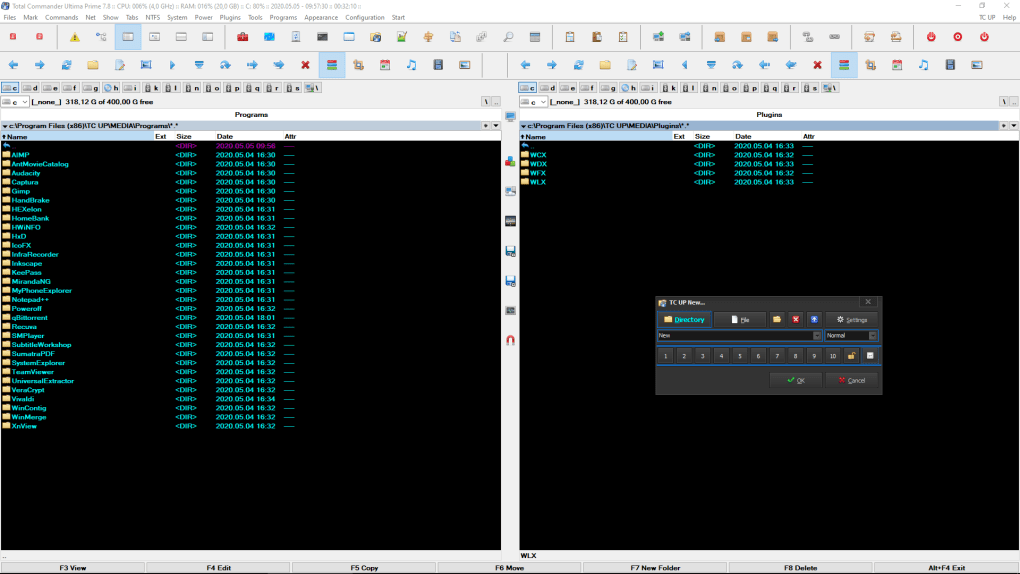
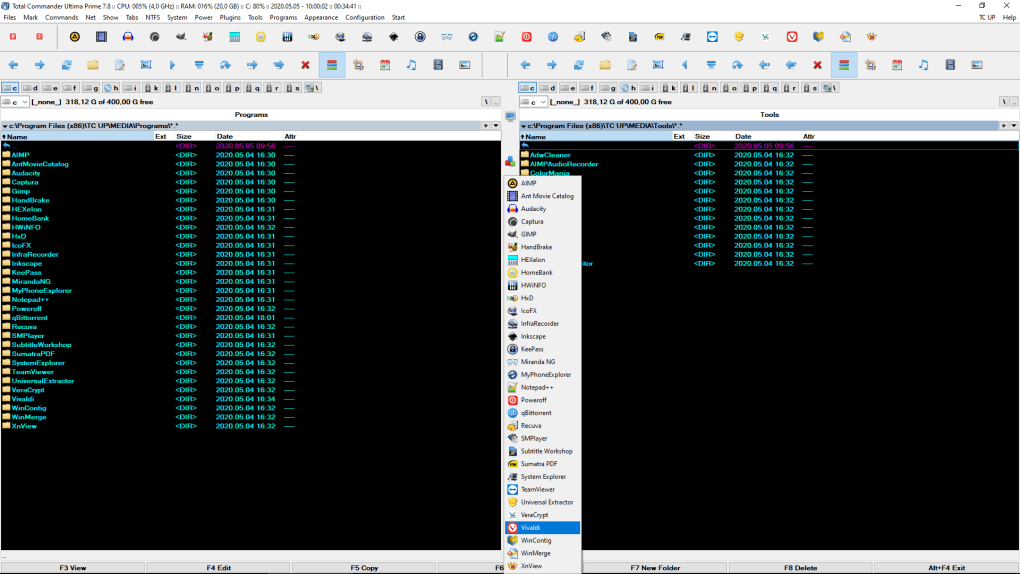
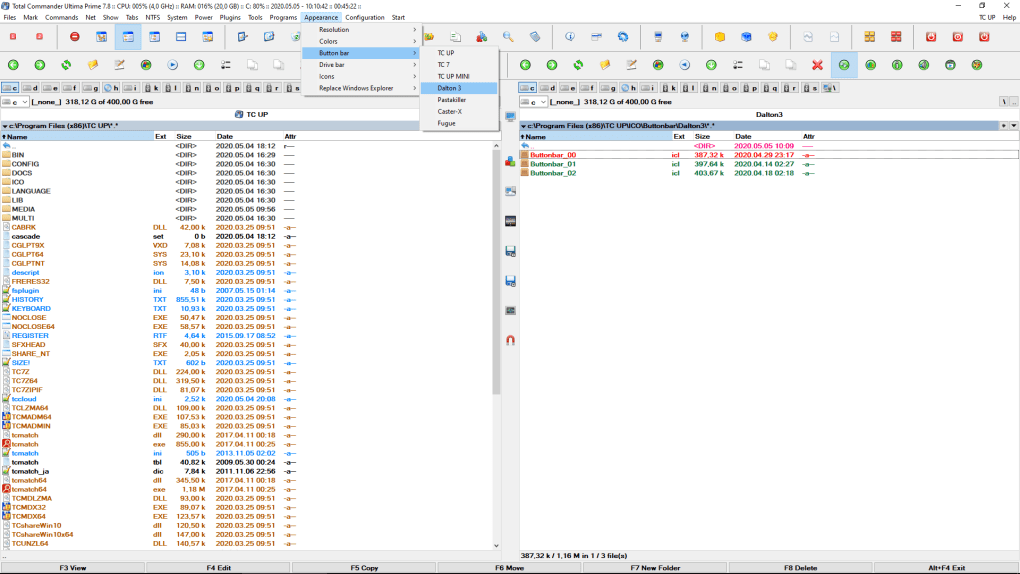
Installing Total Commander Ultima Prime is straightforward and highly customizable. During setup, the installer presents a list of available plugins and utilities, allowing you to select only the features you want. This smart approach prevents unnecessary bloat and ensures your system remains lightweight. Whether you're a beginner or an advanced user, the setup process is intuitive and guided, with clear descriptions for each component. Once installed, the software runs seamlessly on Windows 10 and Windows 11, with full support for both 32-bit and 64-bit architectures. It’s also compatible with older versions like Windows 7 and 8.1, making it a versatile choice for users on legacy systems. The interface remains consistent and responsive, even when handling large file sets or complex directory structures. To get started, simply launch the application from your Start menu or desktop shortcut. The main window displays two panes—left and right—just like the original Total Commander, enabling side-by-side file comparisons and transfers. Use the toolbar or keyboard shortcuts to navigate, copy, move, or delete files. You can also access the integrated tools via the Plugins menu or the customizable toolbar. For example, to open the process manager, go to Plugins > System > Process Manager. Each tool comes with its own help documentation and tooltips, ensuring a smooth learning curve. The software supports custom themes, keyboard shortcuts, and plugin scripting, allowing you to fine-tune the experience. Regular updates are released to fix bugs, improve performance, and add new features, ensuring long-term reliability. The developers also provide extensive tutorials and community forums on their official website, helping users make the most of every feature.Pros, Cons, and Frequently Asked Questions
- Pros:
- Free and open-source with no trial or subscription
- Extensive plugin library for advanced file management
- Modular installation—choose only what you need
- Tabbed browsing for efficient multi-folder navigation
- Integrated process manager and registry editor
- Regular updates and strong community support
- Cons:
- Steeper learning curve for beginners
- Interface may feel overwhelming at first
- Primarily designed for Windows (no Mac or Linux version)
- Some plugins require advanced knowledge to use effectively
- Not ideal for casual users who only need basic file operations
Frequently Asked Questions (FAQ)
- Is Total Commander Ultima Prime free to download and use?
-
Yes, Total Commander Ultima Prime is completely free to download, use, and distribute. There are no trial versions, subscriptions, or hidden costs. The software is open-source and maintained by a dedicated community of developers.
- Can I use it on Windows 11 and Windows 10?
-
Yes, Total Commander Ultima Prime is fully compatible with Windows 10 and Windows 11. It also works on Windows 7 and 8.1, making it suitable for both modern and legacy systems.
- Does it support Mac or Linux?
-
No, Total Commander Ultima Prime is designed exclusively for Windows. It is not available for Mac or Linux operating systems.
- How do I customize which features to install?
-
During installation, you’ll see a list of available plugins and tools. You can select or deselect any component based on your needs. This modular approach ensures you only install what you’ll actually use.
- Is it secure to use?
-
Yes, the software is secure and regularly updated. It’s distributed through trusted sources and does not contain malware or ads. However, always download from the official website to avoid third-party versions.







